Let’s Get Onboarded!
1st: Complete the 60dB Onboarding Form
This onboarding form helps us learn a little bit more about your organization before we kick off the project. We will ask you to:
(1) Tell us about your organization and the people you serve
In the 60 Decibels onboarding form we will ask questions about your stakeholder population and your access to contact details for these customers/beneficiaries/stakeholders.
(2) Agree to our Data Transparency Agreement
Our Data Transparency Agreement outlines how we will use your data and keep your information confidential. This is a necessary step before we activate your project.
Read our full Terms of Service.
2nd: Upload and Share your Contact Details
-
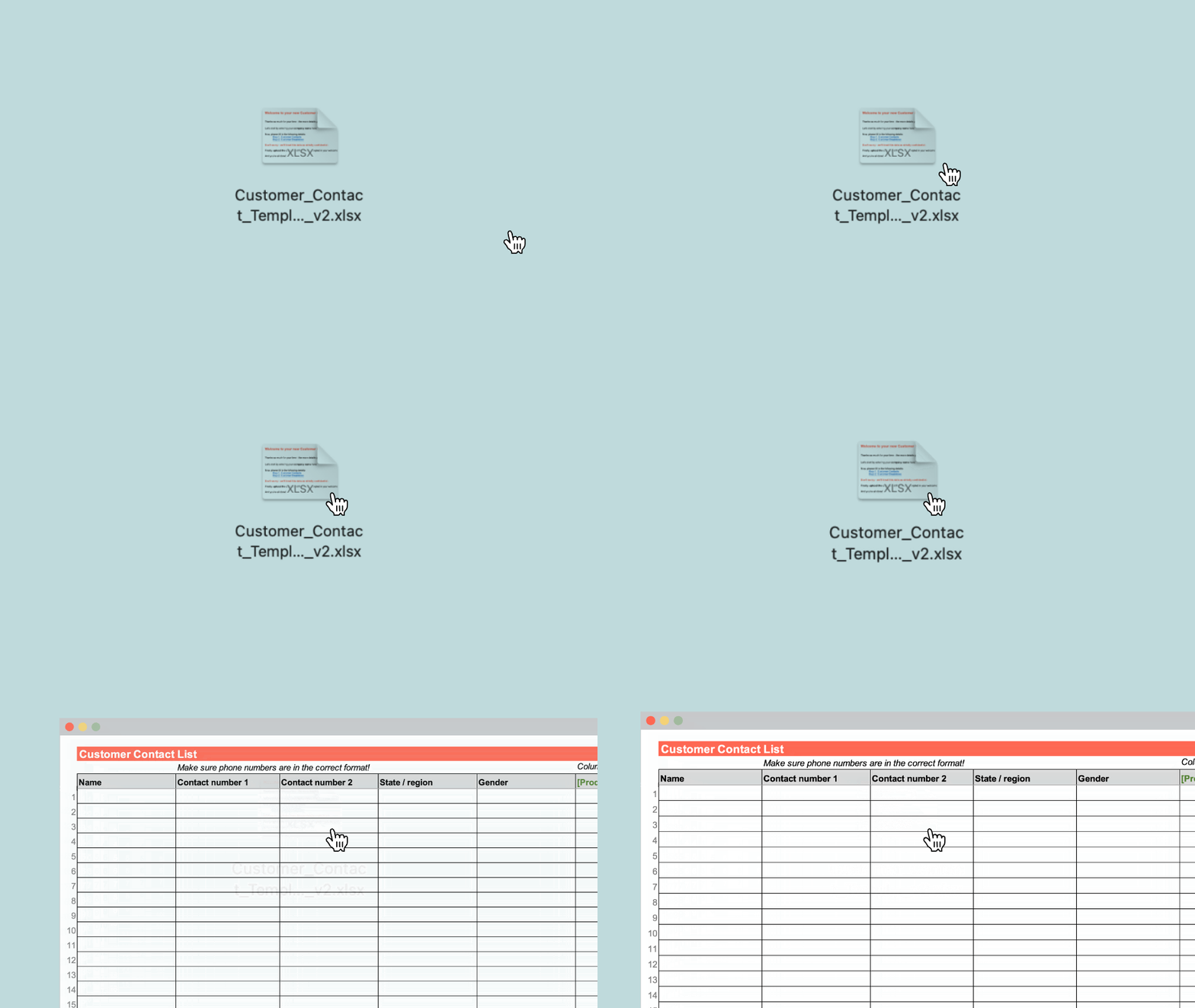
Download the 60dB Contact Details Template
Click here to download the Excel template.
We here to answer any questions via email, or during the kickoff call
![]()
-
Prepare your stakeholder database
Pull together a list of all active customers/stakeholders/beneficiaries
- We typically define ‘active’ as someone who has been using your product / service for a sufficient period of time such that they’re able to share thoughts on their experience.
- We ask for the full database to avoid any sampling bias and to randomize the sample, ensuring the respondents are is representative of your customer population
Include characteristic data such as gender, product type, tenure, region, etc.
- Supports sampling and ensuring representativeness
If you can’t share your full customer database, we ask that you share a randomized, representative sub-sample of at least 2,000 active customers.
- Randomization reduces selection bias
- Avoid ordering your database chronologically and just sampling the most recent 2,000
- If using Excel, we suggest using a random number generator
![]()
-
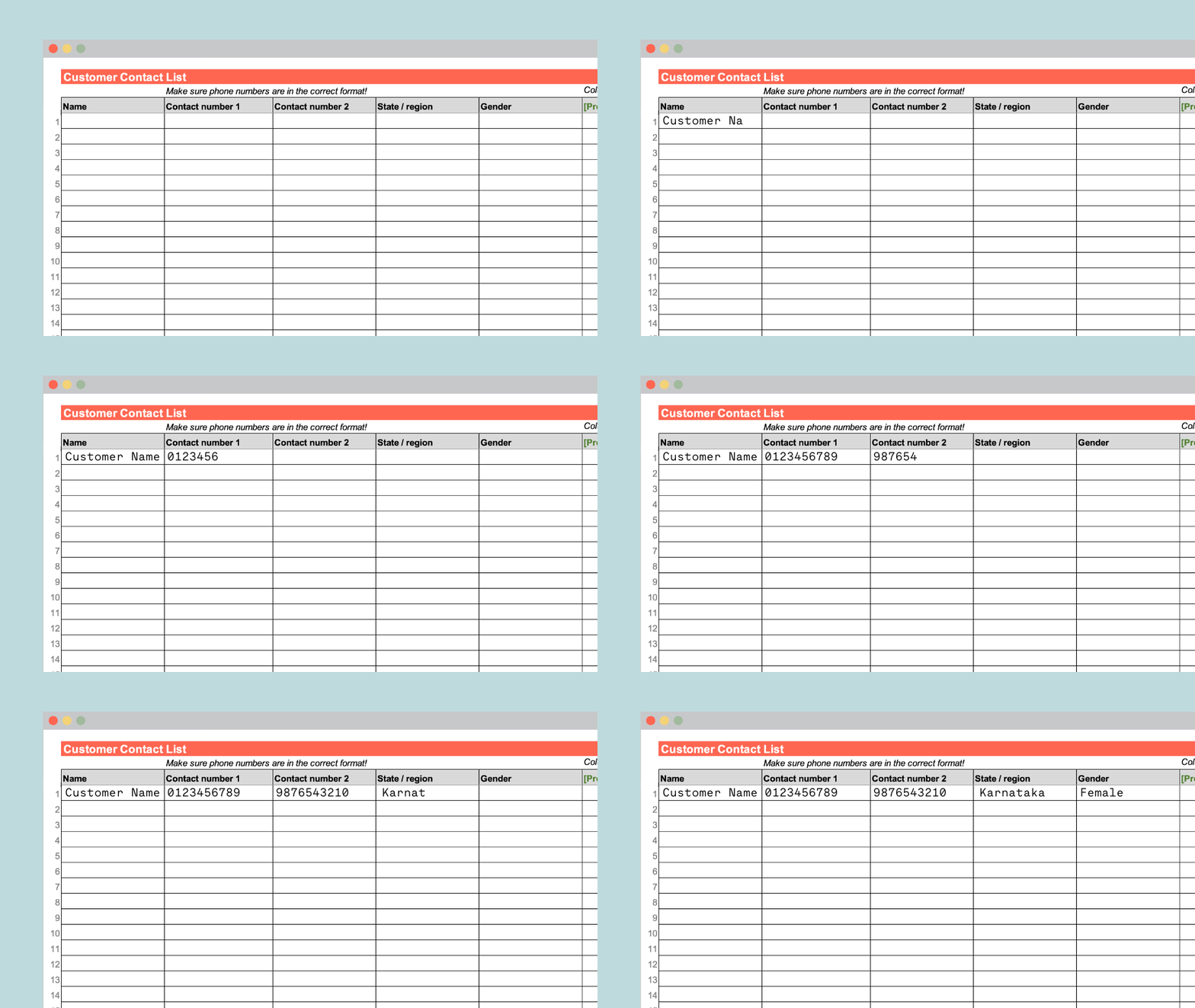
Add your contacts to the 60dB template
In the template from step one, copy and paste in your stakeholder database.
![]()
-
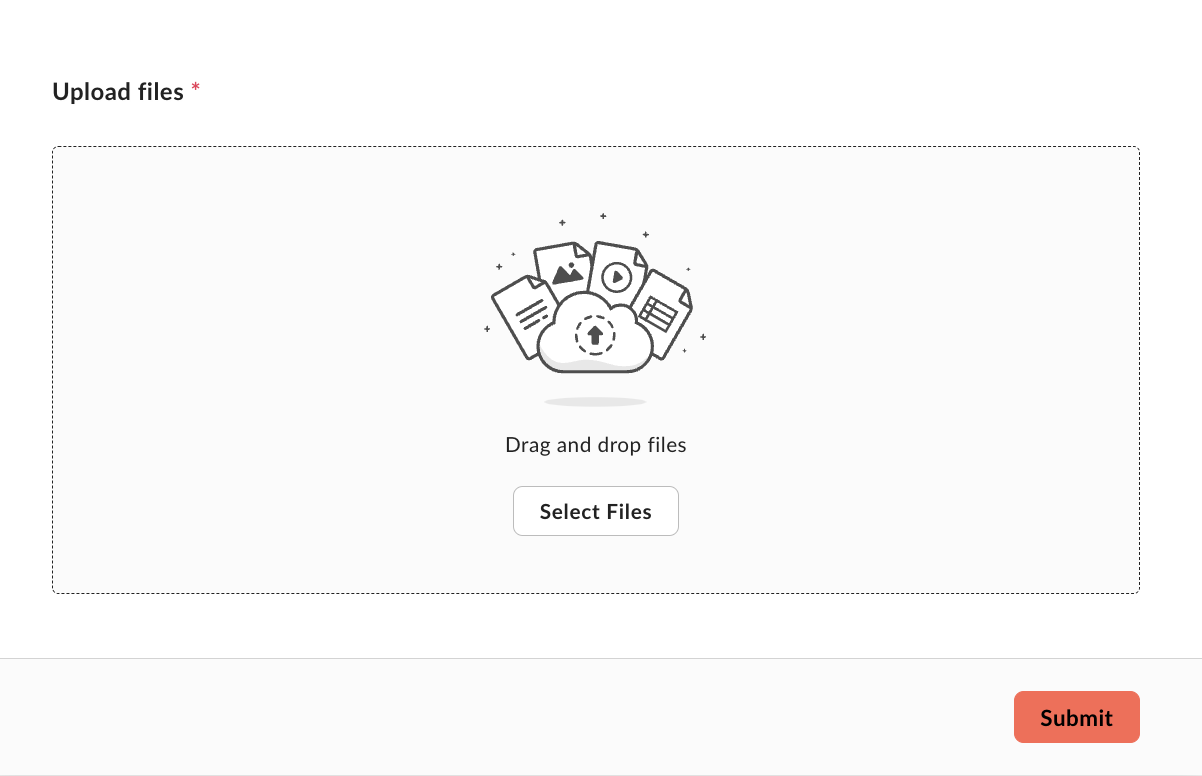
Upload your contacts!
Once you’ve prepared your customer database, click here to securely upload.
60 Decibels is GDPR compliant and will only use the contact information as described in the Terms of Service.
![]()